The Universal CSV Migration Guide: Uploading Any General Ledger into VS (VSME)
The Universal CSV Migration Guide: Uploading Any General Ledger into VS (VSME)
When finance leaders decide to automate corporate sustainability disclosures, the primary technical barrier they encounter is software integration. Enterprise carbon tools often demand dedicated REST API integrations, custom webhooks, or expensive middleware configurations.
For businesses operating on-premise accounting software (such as Sage 50, Microsoft Dynamics NAV, or QuickBooks Desktop), proprietary regional ERPs, or customized databases, waiting for custom IT integrations can delay compliance by months.
To eliminate this friction, modern ESG platforms provide a Universal CSV Migration Module. Regardless of what accounting software your business operates—anywhere in the world—if you can export a standard general ledger transaction report as a .csv or .xlsx file, you can generate an audit-ready EFRAG VS (VSME) report in minutes.
In this practical guide, we outline the exact steps to format, upload, and validate your general ledger data for automated greenhouse gas accounting.
How the Universal CSV Ingestion Architecture Works
Rather than requiring strict, pre-formatted templates, the Universal CSV engine is designed to parse standard financial exports generated directly from accounting software.
┌────────────────────────────────────────────────────────────────────────┐
│     Your Accounting System (Sage, Dynamics, QuickBooks, SAP, Local)    │
└───────────────────────────────────┬────────────────────────────────────┘
                                    │
                                    ▼ 1. Export Standard General Ledger (.csv)
┌────────────────────────────────────────────────────────────────────────┐
│                   ExecutESG Universal Ingestion Parser                 │
│  • Auto-detects delimiter (comma, semicolon, tab)                      │
│  • Normalizes date formats (YYYY-MM-DD, DD/MM/YYYY, MM/DD/YYYY)        │
│  • Matches header columns to target data fields                        │
│  • Handles multi-currency amounts and tax exclusions                   │
└───────────────────────────────────┬────────────────────────────────────┘
                                    │
                                    ▼ 2. Account Code to GHG Protocol Crosswalk
┌────────────────────────────────────────────────────────────────────────┐
│                   Interactive Column & Account Mapping                 │
│  • Map GL accounts to Scope 1, 2, and 3 categories                    │
│  • Auto-extract physical quantities from transaction text              │
└───────────────────────────────────┬────────────────────────────────────┘
                                    │
                                    ▼ 3. Output
┌────────────────────────────────────────────────────────────────────────┐
│                  Audited EFRAG VS (VSME) Disclosure Package            │
└────────────────────────────────────────────────────────────────────────┘
Minimum Required Columns for Carbon Accounting
You do not need to clean or re-structure your export extensively. To compute Scope 1, Scope 2, and material Scope 3 emissions, your general ledger export needs to contain six core data fields:
| Field Name | Description & Purpose | Example Values |
|---|---|---|
| Transaction Date | The date the expense occurred or was posted. Required for fiscal year scoping and emission factor vintage matching. | 2026-03-15, 15/03/2026 |
| Account Code | The numerical general ledger code. Used to group expenses into target GHG Protocol categories. | 6410, 5310, 4530 |
| Account Description | The general ledger account name. Assists the machine learning engine in classifying spend. | Vehicle Fuel - Diesel, Purchased Electricity |
| Vendor / Payee Name | The supplier name. Used for vendor emission factor matching (e.g., matching a utility name to grid factors). | Fortum Power Oy, Shell Fleet Services |
| Transaction Memo / Line Text | Invoice line description. Scanned by natural language processing (NLP) to extract physical quantities. | 1,250 Liters Diesel Fleet Card, Inv #4881 |
| Net Monetary Amount | The transaction value excluding Value Added Tax (VAT / GST). | €2,450.00, $3,120.50 |
Step-by-Step Walkthrough: From Raw CSV to VS (VSME) Report
Step 1: Export the General Ledger Report from Your Software
In your accounting software, navigate to your reporting module and generate one of the following standard reports:
- General Ledger Detail
- Transaction Journal by Account
- Accounts Payable Expense Ledger
Ensure the date filter corresponds to your reporting period (typically January 1 to December 31 of your reporting year). Export the document as a standard Comma Separated Values (.csv) or Excel (.xlsx) file.
Step 2: Drag & Drop into ExecutESG
- Log in to your ExecutESG dashboard and select Data Ingestion > Universal CSV.
- Drag and drop your export file into the upload zone.
- The platform’s ingestion engine inspects the file, detects delimiters (comma, semicolon, or tab), and displays an interactive data preview.
┌────────────────────────────────────────────────────────────────────────┐
│  CSV MAPPING PREVIEW: Transaction_Detail_2026.csv                     │
├─────────────┬──────────────┬──────────────────┬─────────────┬──────────┤
│ Source Date │ Account Code │ Payee / Vendor   │ Description │ Net EUR  │
├─────────────┼──────────────┼──────────────────┼─────────────┼──────────┤
│ 2026-01-14  │ 6300         │ Vattenfall AB    │ 14,200 kWh  │ €2,130.00│
│ 2026-01-18  │ 6410         │ Circle K Sverige │ 850 L Diesel│ €1,785.00│
└─────────────┴──────────────┴──────────────────┴─────────────┴──────────┘
Step 3: Confirm Field Mappings
The system automatically predicts which column in your CSV corresponds to the required fields. If your export uses regional column headers (such as Buchungsdatum in German or Kirjauspäivä in Finnish), simply verify the mapping using drop-down selectors.
Step 4: Review the Chart of Accounts Crosswalk
The platform groups your general ledger accounts and highlights those that impact greenhouse gas emissions:
- Accounts identified as vehicle fuel, heating oil, or gas are assigned to Scope 1.
- Accounts identified as purchased electricity or district heating are assigned to Scope 2.
- Accounts identified as logistics, business travel, waste, or purchased goods are assigned to Scope 3.
You can adjust or reclassify any account mapping with a single click.
Step 5: Automatic Quantity Extraction & Calculation
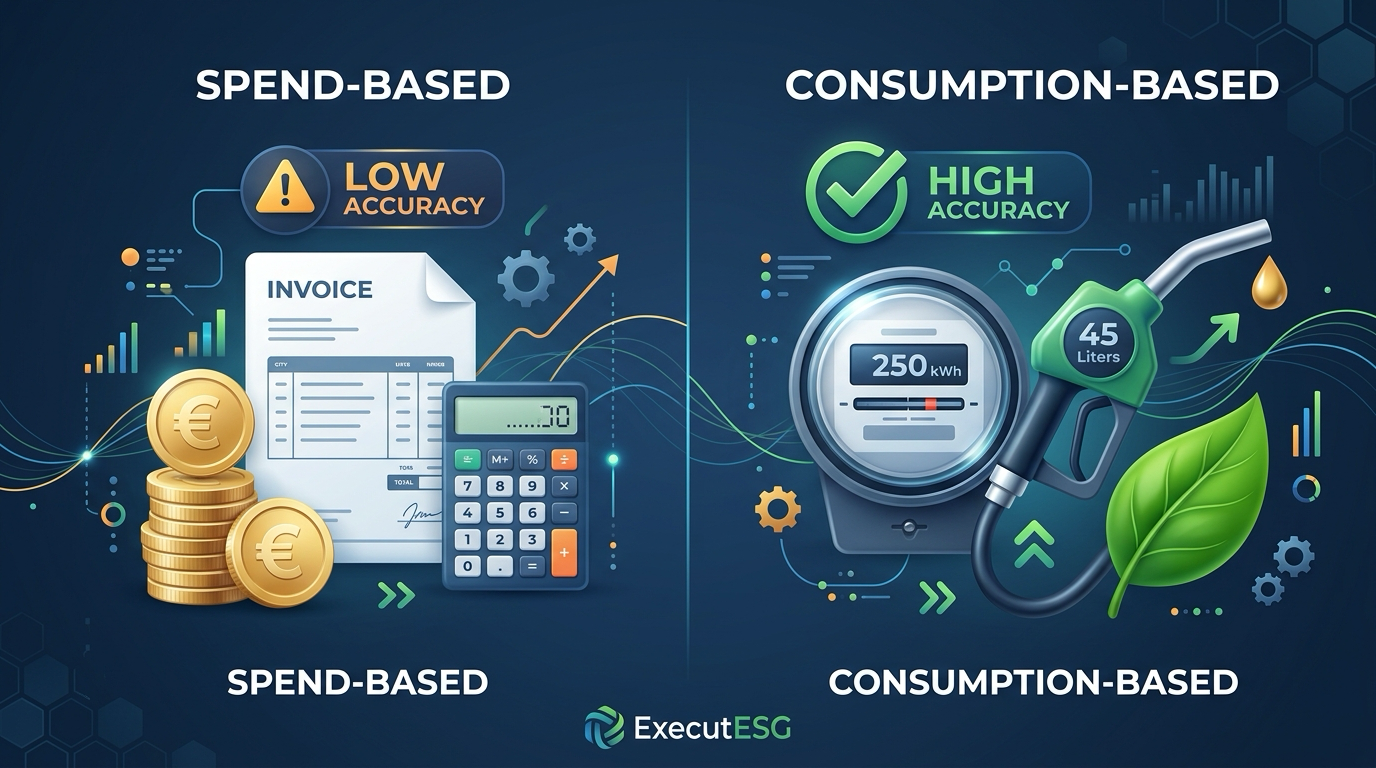
When transaction descriptions contain physical quantity indicators (e.g., "14,200 kWh", "850 Liters", "45 tonnes"), the engine extracts the physical volume and applies primary activity emission factors.
For remaining operating expenses, the engine applies sector-specific economic emission factors to establish complete value-chain coverage.
Step 6: Export Your Audited VS (VSME) Report
Once the calculation is complete, click Generate VS (VSME) Report. The platform compiles your data into the official EFRAG disclosure tables:
- Basic Module: Energy consumption (MWh), Scope 1, Scope 2, and operational workforce data.
- Business Partners Module: Upstream supplier emissions for corporate buyer questionnaires.
- Audit Trail Ledger: A line-by-line reconciliation report linking every reported metric back to original CSV voucher numbers and dates.
Best Practices for Clean CSV Exports
To maximize automated parsing accuracy, keep these practical accounting tips in mind:
- Exclude Balance Sheet Accounts: Filter your export to include only Profit & Loss (P&L) / Operating Expense accounts. Including asset or equity accounts adds unnecessary rows without contributing to emissions.
- Export Net Amounts (Excluding Tax): Always export amounts net of Value Added Tax (VAT). Tax amounts do not represent physical consumption and will distort spend-based calculations if included.
- Keep Original Currency Codes: If your business conducts transactions in multiple currencies (e.g., EUR, USD, SEK, GBP), ensure the export includes the original currency column. ExecutESG converts all entries to your reporting currency using historical exchange rates on the transaction date.
- Preserve Line Descriptions: Avoid stripping transaction memos during export. Detailed memos frequently contain fuel volumes or flight routing data that the OCR/NLP engine uses to upgrade estimates into primary data.
Universal Compatibility Matrix
The Universal CSV Migration Module has been tested and verified across major global and European accounting platforms:
┌────────────────────────────────────────────────────────────────────────┐
│              VERIFIED CSV EXPORT COMPATIBILITY MATRIX                  │
├──────────────────────────┬───────────────────────┬─────────────────────┤
│ Accounting Platform      │ Export Format         │ Typical Setup Time  │
├──────────────────────────┼───────────────────────┼─────────────────────┤
│ Sage 50 / Sage 200       │ General Ledger CSV    │ 5 minutes           │
│ Microsoft Dynamics NAV   │ Transaction Detail    │ 5 minutes           │
│ QuickBooks Desktop       │ Transaction Detail XLS│ 5 minutes           │
│ Visma Fivaldi / Nova     │ Pääkirja CSV          │ Under 5 minutes     │
│ DATEV Kanzlei-Rewe       │ DATEV ASCII / CSV     │ 5 minutes           │
│ Exact Globe              │ Journal Entry CSV     │ 5 minutes           │
│ Custom SQL / ERP Systems │ Custom Delimited CSV  │ Under 10 minutes    │
└──────────────────────────┴───────────────────────┴─────────────────────┘
Frequently Asked Questions
Can we upload multiple CSV files for different operating branches or subsidiaries?
Yes. Multi-site businesses can upload individual ledger files for each branch or legal entity. ExecutESG automatically tags transactions by subsidiary, allowing you to view site-specific carbon footprints while generating a consolidated group disclosure under EFRAG VS (VSME).
How does the system handle credits, refunds, and invoice reversals?
Credit notes and transaction reversals with negative values are processed as deductions against the corresponding expense category. This ensures that refunded travel or canceled material orders do not artificially increase your reported emissions.
Is our financial CSV data secure?
Yes. All data uploads are encrypted in transit via TLS 1.3 and stored in SOC 2 and GDPR-compliant European cloud environments. Your financial records are accessed strictly to calculate emissions and build your disclosure report; financial numbers are never sold or shared with external parties.
Generate Your Sustainability Report from Any Financial Ledger
You do not need to wait for a complex IT deployment or switch accounting software to meet European sustainability standards. If your accounting system can export a spreadsheet, you can compile a verified, auditor-grade sustainability disclosure today.
Create your free account on ExecutESG, drag and drop your general ledger CSV export, and generate your baseline EFRAG VS (VSME) report in under 48 hours.
Check Your VS (VSME) & CSRD Readiness Score
Answer 6 quick questions under the EU Voluntary Standard VS (VSME) to discover your compliance gap score, estimated time savings, and generate your free starter report.
Stay Ahead of EU Sustainability Mandates
Get our weekly intelligence briefing on VS (VSME), CSRD compliance, buyer Scope 3 demands, and EcoVadis audits—distilled for European SMEs.